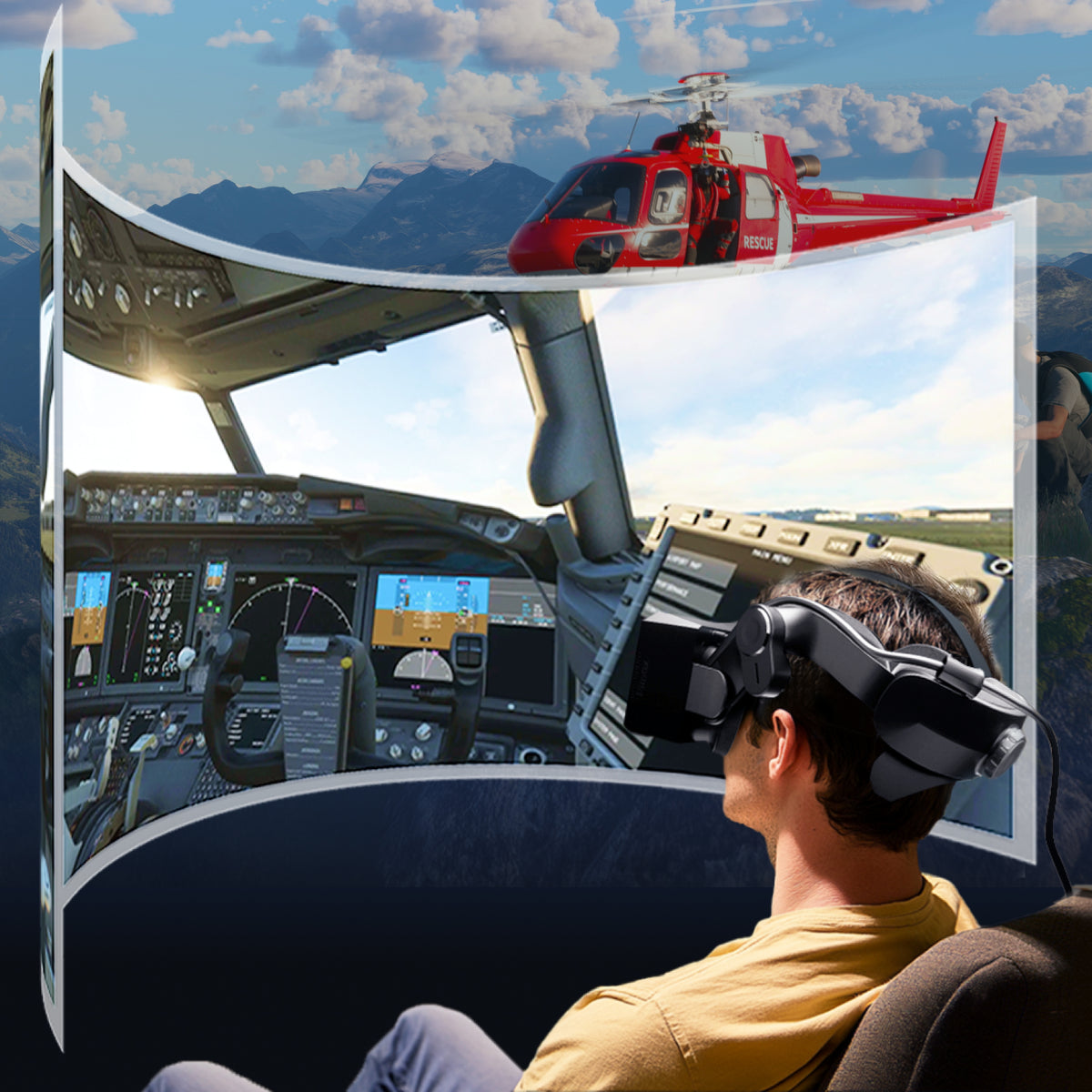
The Pimax Crystal Light is a PC VR headset built for players and simmers who want a sharper, wider, more immersive picture without stepping up to a full base-station setup. It pairs a high-resolution QLED/Mini-LED panel with a large-sweet-spot aspherical lens design, giving you crisp detail edge to edge whether you're reading cockpit gauges or scanning a battlefield. Inside-out tracking means it's ready to go out of the box, while an optional Lighthouse faceplate keeps the door open for base-station tracking down the road.
See the Pimax Crystal Light setup and IPD adjustment in action
- Ultra-sharp per-eye resolution — 2880 × 2880 pixels per eye for crisp detail, even up close.
- Wide, distortion-free view — aspherical glass lenses deliver a large sweet spot and 35 PPD for edge-to-edge clarity.
- Smooth motion, your choice of refresh — switch between 60Hz, 72Hz, 90Hz, and 120Hz to match your GPU and game.
- Rich, HDR-capable color — combined QLED and Mini-LED display technology produces a wide color gamut and true HDR.
- Dialed-in fit for any face — manual IPD adjustment from 58–72mm plus an adjustable headband for all-day comfort.
- No external cameras needed — built-in inside-out 6DoF tracking sets up in minutes; Lighthouse-compatible with a separate faceplate.
- Immersive built-in audio — integrated speakers for surround sound, plus dual microphones for voice chat.
| Type | PCVR |
|---|---|
| Color | Black |
| Category | Virtual Reality Headset |
| Suitable for Glasses Wearers | Yes |
| Display Type | QLED + Mini-LED |
| Total Resolution | 5760 × 2880 pixels |
| Resolution (per eye) | 2880 × 2880 pixels |
| Refresh Rate | Up to 120 Hz (60/72/90/120Hz selectable) |
| Pixels Per Degree (PPD) | 35 |
| IPD Adjustment | Manual, 58–72 mm |
| Tracking | 6DoF inside-out tracking; Lighthouse-compatible (faceplate sold separately) |
| Foveated Rendering | Fixed Foveated Rendering 2.0 |
| Audio | Built-in speakers, interchangeable 3.5mm jack, 2× built-in microphones |
| Connections | 1× Headphone jack |
| Video Output Required | 1× DisplayPort 1.4 |
| USB Requirements | 1× USB-A 3.0/3.1/3.2, 1× USB-A 2.0 or above |
| Included Cable | 5m USB/DisplayPort cable |
PC System Requirements
| Operating System | Windows 10 / Windows 11 |
|---|---|
| GPU | NVIDIA GeForce RTX 2070 or higher |
| CPU | Intel i5-12500 / AMD R7-3700X or higher |
| RAM | 16 GB or higher |
Minimum
Good for casual titles like Beat Saber at medium settings. Flight and racing sims are playable, but with reduced graphics quality.
| GPU | RTX 2070, RTX 2070 S, RTX 2080, RTX 2080 S, RTX 2080 Ti, RTX 3060 Ti, RTX 3070, RTX 3070 Ti, RTX 4060, RTX 4060 Ti, TITAN RTX |
|---|---|
| CPU | Intel 12th Gen i5 or newer (hard requirement) |
Recommended
Medium graphics quality achievable in flight and racing sims with parameter tuning.
| GPU | RTX 3080, RTX 3080 Ti, RTX 3090 Ti, RTX 4070, RTX 4070 S |
|---|---|
| CPU | i5-12400, i5-12490F, i5-12500, i5-12600, i5-12600K/KF, i5-13400, i5-13490F, i5-14400, i5-14490F |
Best Experience
Top graphics quality and smoothest experience for flight and racing simulations.
| GPU | RTX 4070 Ti, RTX 4070 Ti S, RTX 4080, RTX 4080 S, RTX 4090 |
|---|---|
| CPU | i7-12700/F, i7-12700K/KF, i9-12900K/KF, i9-12900KS, i5-13600K/KF, i7-13700K/KF, i7-13790F, i9-13900K/KF, i9-13900KS, i5-14600K/KF, i7-14700K/KF, i7-14790F, i9-14900K/KF, i9-14900KS |
Laptop Support
Works with laptops that have a direct GPU output to a Mini DisplayPort or USB-C port. Requires an adapter supporting the DP 1.4a specification at 8K resolution / 60Hz. Unsure if your laptop qualifies? Open the NVIDIA Control Panel, check the PhysX settings, and send our support team a screenshot.
- 1 × Pimax Crystal Light Headset
- 2 × Controllers
- 1 × DisplayPort Cable (5m)
- 1 × Power Adapter
- 1 × Lens Cloth
- 1 × After-Sales Service Card
Vision Velocity Tech backs every Pimax Crystal Light with our standard return and refund coverage. Full policy details, timelines, and eligibility are outlined on our Return and Refund Policy page.
Need help with IPD fitting, tracking setup, or a warranty claim? Reach our support team directly.